

“Governance is not about restricting access; it’s about providing the right access to the right people at the right time, while ensuring the data remains accurate and secure.”
In the world of data, speed is often the enemy of stability. Microsoft Fabric is a powerhouse that allows data to move seamlessly from ingestion to AI, but without structure, that speed can quickly turn into “data sprawl.”
Governance is the safety net that allows your team to innovate faster without fearing a security breach or a broken pipeline.
1. The Core Pillars of Fabric Governance
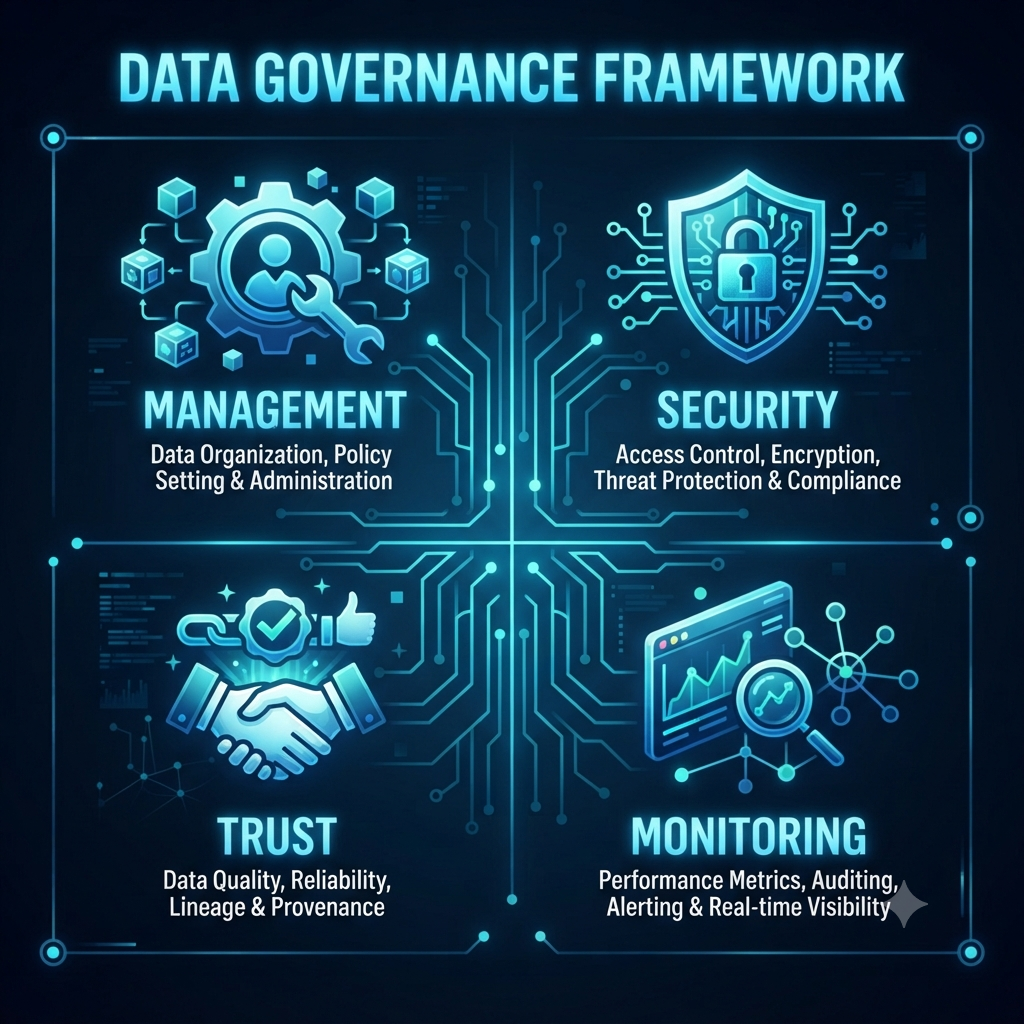
To govern effectively, think of your data estate through these four pillars.
- Data Estate Management: Organizing your environment using Domains and Workspaces to mirror your real-world business structure. [Refer my previous blog on Architecting Workspaces for Enterprise Success]
- Security & Compliance: Protecting sensitive data via Role-Based Access Control (RBAC), Row/Column-level security and Purview-backed sensitivity labels.
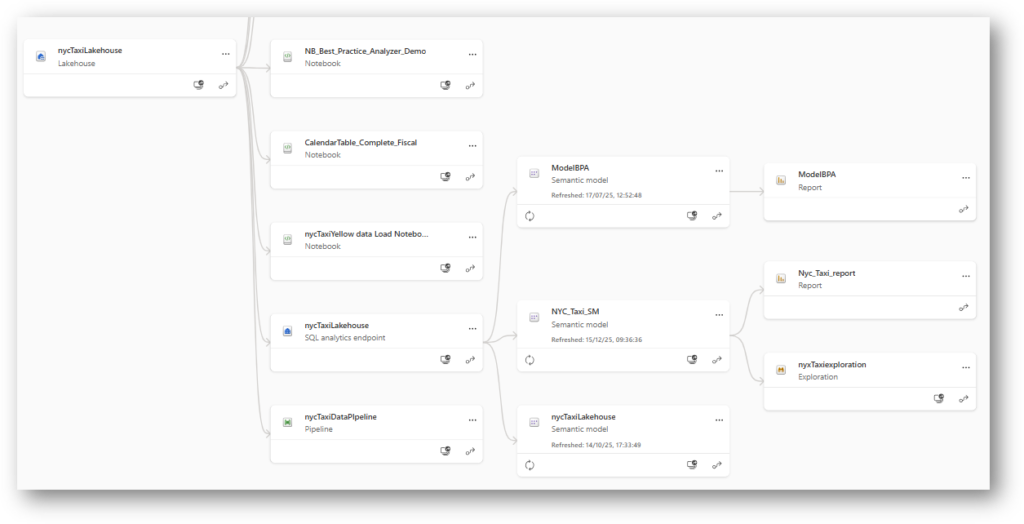
- Data Discovery & Trust: Using Endorsement (Certified/Promoted) to signal “official” data. Crucially, leverage Lineage View for Impact Analysis. Before you change a column name, use Lineage View to see who is downstream.
- Monitoring & Auditing: Leveraging the Admin Portal to track usage and ensure policy adherence.
2. Setting the Baseline: Critical Admin Portal Configurations
Access & Identity Guardrails
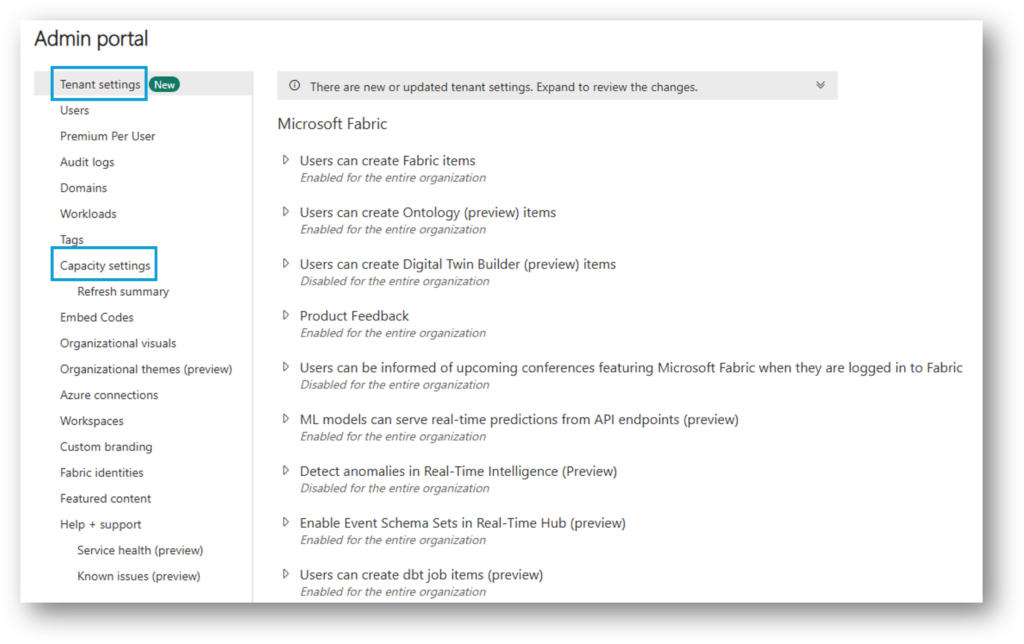
- Restrict Workspace Creation: Navigate to Tenant Settings > Workspace settings and restrict creation to specific security groups.
- Guest User Access: In Tenant Settings, strictly control or disable guest access.
- Service Principal & Secrets Management: Never hard-code credentials. Always use Azure Key Vault to store secrets and reference them securely.
Data Movement & Security
- OneLake Data Access: Review shortcut settings to prevent users from connecting to unmanaged external locations.
- Sensitivity Labels: Enable “Require sensitivity labels” in the Purview integration settings.
- Block Public Internet Access: For high-security environments, configure “Block public internet access” to ensure traffic remains within your private network.
Performance & Reliability
- Capacity Settings: Use the Capacity Admin tab to set up “Automatic Scaling” alerts.
- Request Throttling: Configure the “Max degree of parallelism” to prevent “noisy neighbor” scenarios.
3. Common Struggles & The Pro Solutions
| Struggle | Why it Happens | The Solution |
| “The Wild West” | Unrestricted workspace creation. | Limit creation to specific Security Groups. |
| “Noisy Neighbor” | One query drains all capacity. | Set Request Throttling. |
| Secret Leaks | Hard-coded credentials. | Use Azure Key Vault. |
4. Operationalizing Governance
Governance is a team sport. Encourage your team to treat the Lineage View as a “map of the city“. Before changing a schema, always verify who is downstream to prevent breaking critical reports.
5. The Governance Maturity Curve
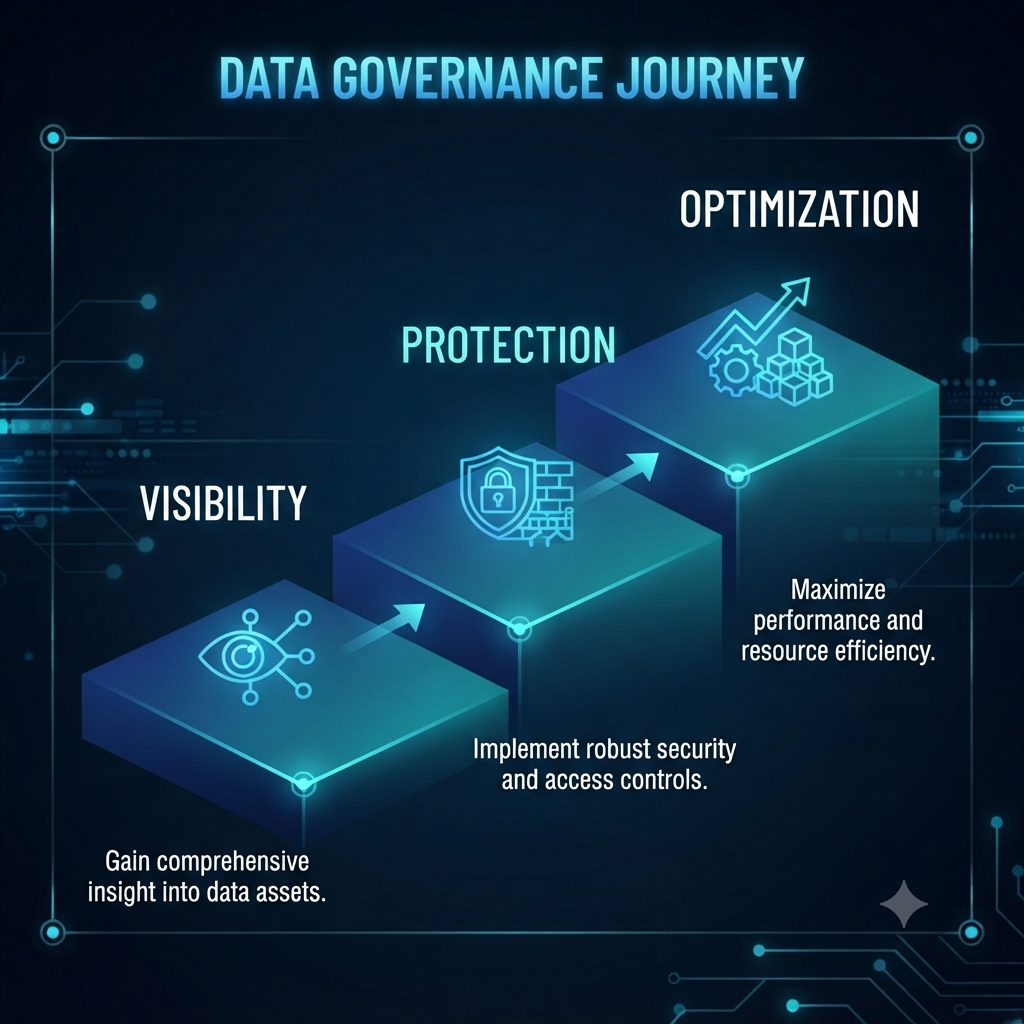
- Stage 1: Visibility: Turn on Audit Logging and enable the Admin Monitoring Workspace.
- Stage 2: Protection: Apply sensitivity labels to “Gold” layer data and implement column-level security.
- Stage 3: Optimization: Use Fabric APIs to automate workspace creation and clean up stale assets.
6. The Governance Pre-Flight Checklist✅
- Foundation: Assign Admins, establish Domains and define naming conventions.
- Security: Principle of Least Privilege and move all secrets to Key Vault.
- Data Quality: Formalize “Certification” processes and use Lineage View.
- Maintenance: Monthly audits for unauthorized access and cleanup.
7. Sustainment: The Governance Working Group
Governance often fails when treated as a solo IT task. Form a group consisting of both IT (enforcement) and Business stakeholders (data quality) to meet 30 minutes monthly and review “Admin Monitoring” reports.

8. Real-World Example: The Financial Scenario
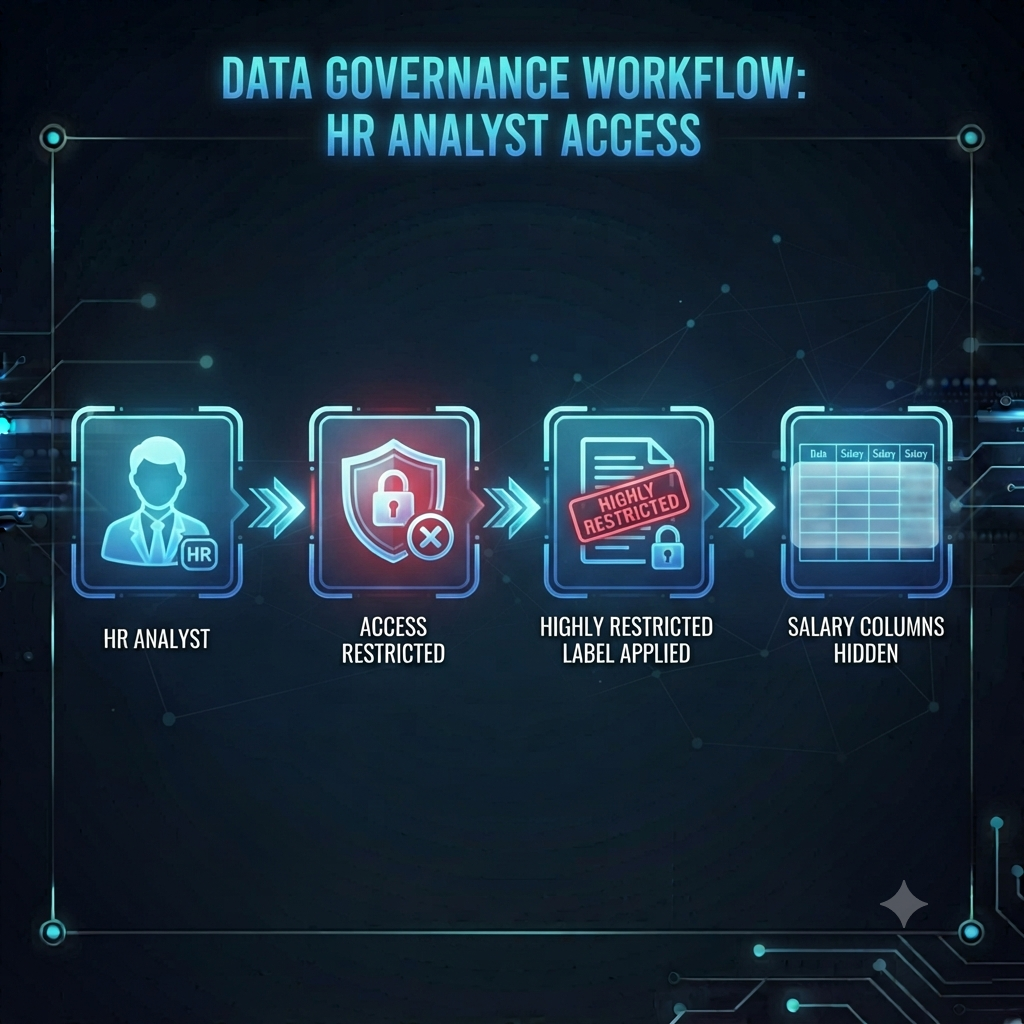
A firm uses “Highly Restricted” labels, blocks unauthorized exports and uses Column-Level Security to hide salary data from unauthorized viewers.
9. What Happens When Governance is Missing?
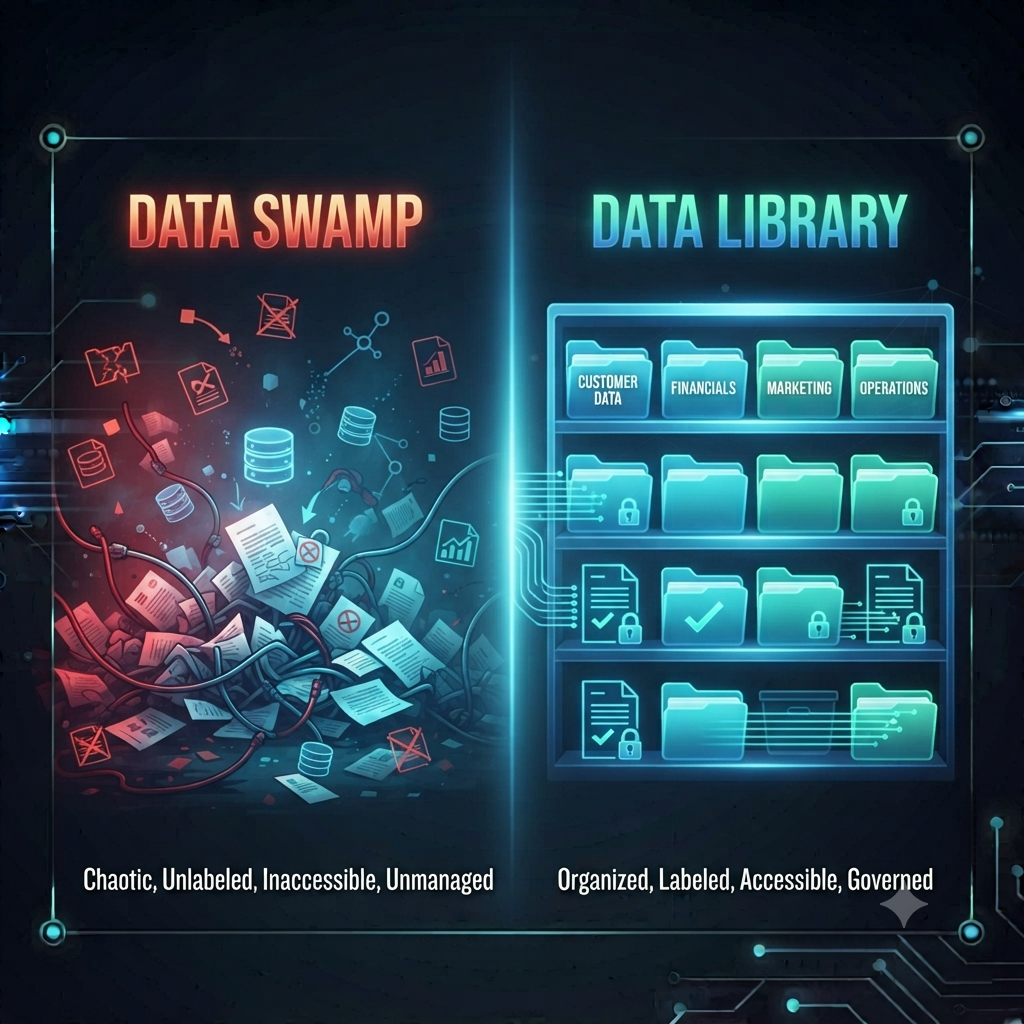
- Data Swampification: Users lose trust in data, leading to redundant copies and “Excel-hell.”
- The Compliance Gap: Inability to audit sensitive data access leads to regulatory fines.
- Escalating Costs: Forgotten, abandoned datasets drain your capacity compute units.
10. Summary
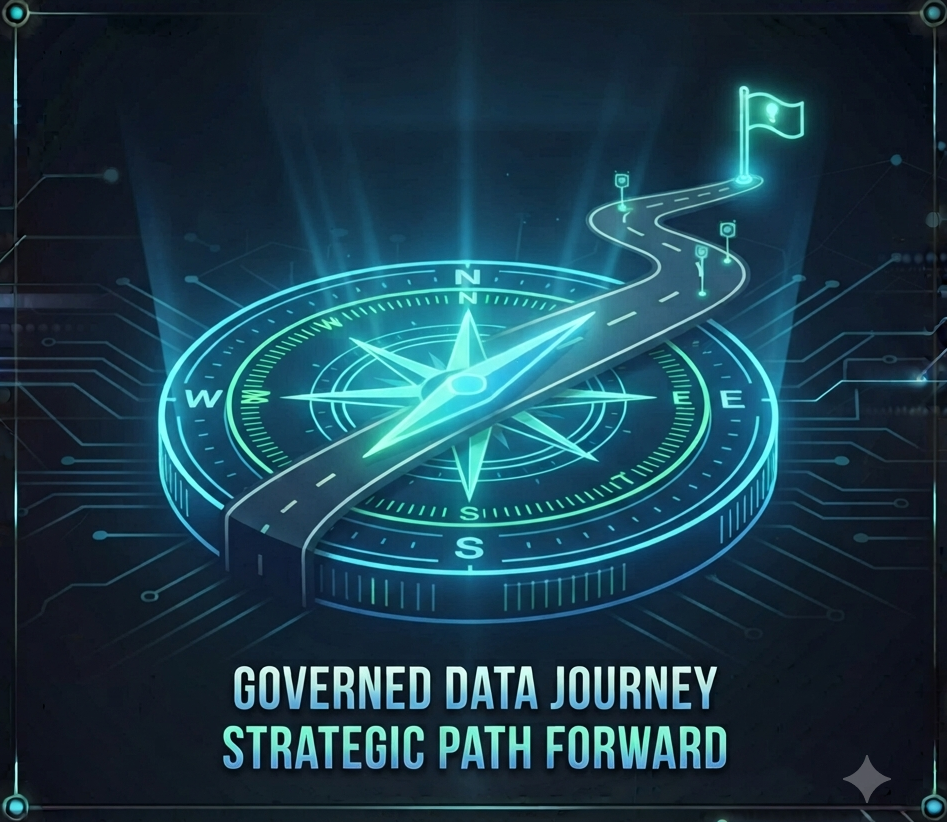
Governance is a strategic enabler. By mastering settings, utilizing Lineage View and forming a cross-functional group, you transform chaotic data into a trusted asset.
What is the biggest hurdle your team faces when setting up Fabric governance? Let me know in the comments below!
2 thoughts on “Governing the Flow: A Beginner’s Guide to Microsoft Fabric”